Sales operations
Leads routed, qualified and followed up automatically, so no enquiry waits for someone to remember.
0
Automation
Business process automation for teams that copy data between tools. We connect your CRM, ERP, email and calendar, then run the workflows with logs, retries and alerts, so nothing fails silently. You start with a ranked map of what to automate first.
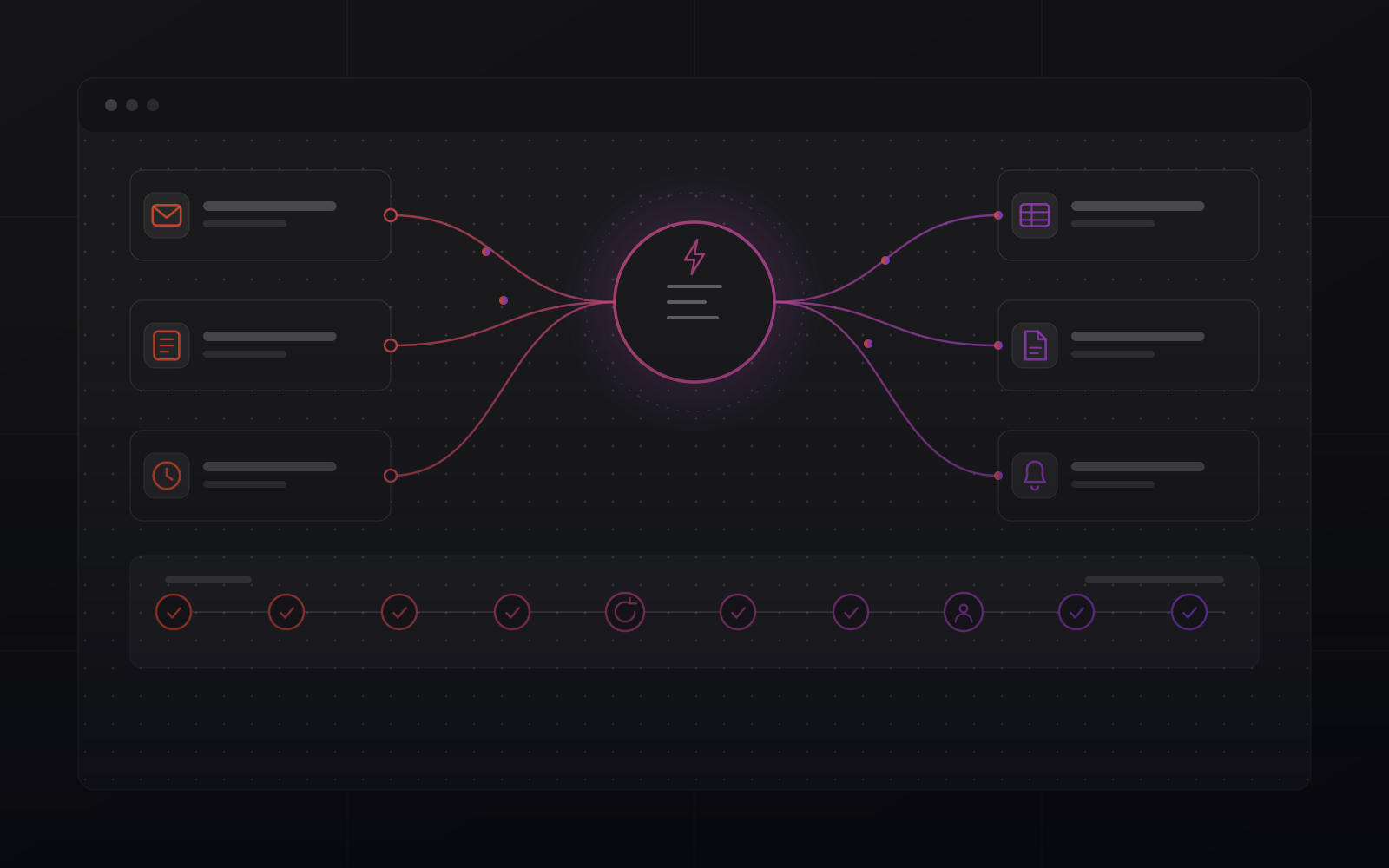
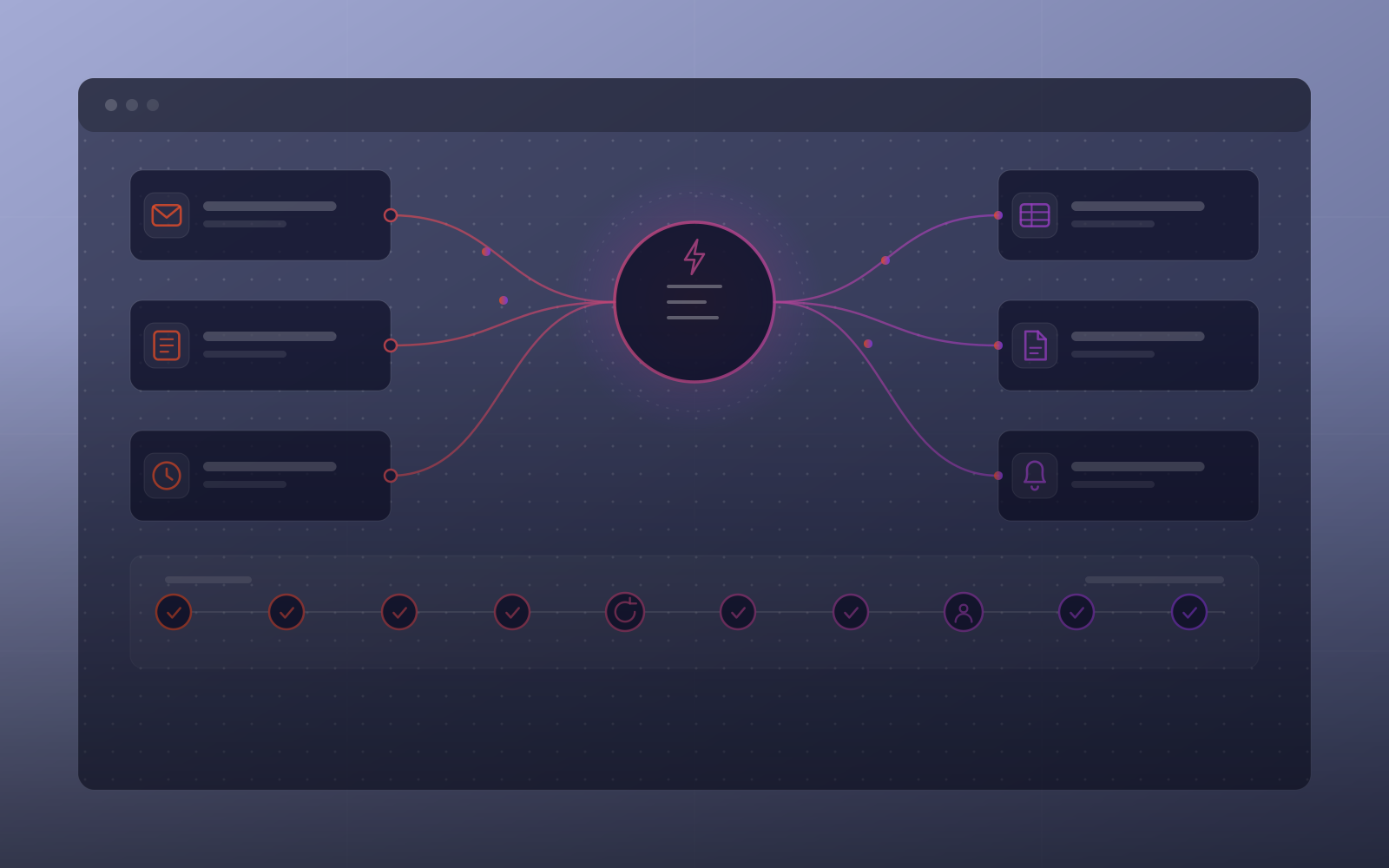
Every flow is monitored. A failed run alerts a person and does not disappear.
Transient failures retry on their own. A human is called in only when needed.
Every run is timestamped, with its steps, results and errors, so you can see what happened.
How we automate
Fragile no-code chains break when a field name changes. We build workflows with retries, logging and human checkpoints.
Why it matters
Every business pays an invisible tax: the quote retyped into the CRM, the invoice copied into a spreadsheet, the weekly report rebuilt by hand, the follow-up nobody sent. It never shows on an invoice, but it costs hours every week.
Business process automation removes that tax one workflow at a time. We rank each flow by hours lost and error risk, then wire the fix into your tools. Most flows connect custom CRM development and custom ERP development.
Who it is for
Leads routed, qualified and followed up automatically, so no enquiry waits for someone to remember.
Invoices, documents and reports generated and filed without a person touching them.
Small teams that need the output of a bigger one, without hiring only for admin.
Services
From one painful workflow to a fully connected operation.
Your own automation hub: integrations, webhooks and scheduled jobs.
AI workflows, chatbots and assistants built for measurable output.
Lead routing, follow-up sequences and pipeline hygiene on autopilot.
Documents, approvals and reporting that flow without manual entry.
Chatbots, internal assistants and private AI workflows.
RIVER ERP, RAIN Store and our CRM connect to workflows natively.
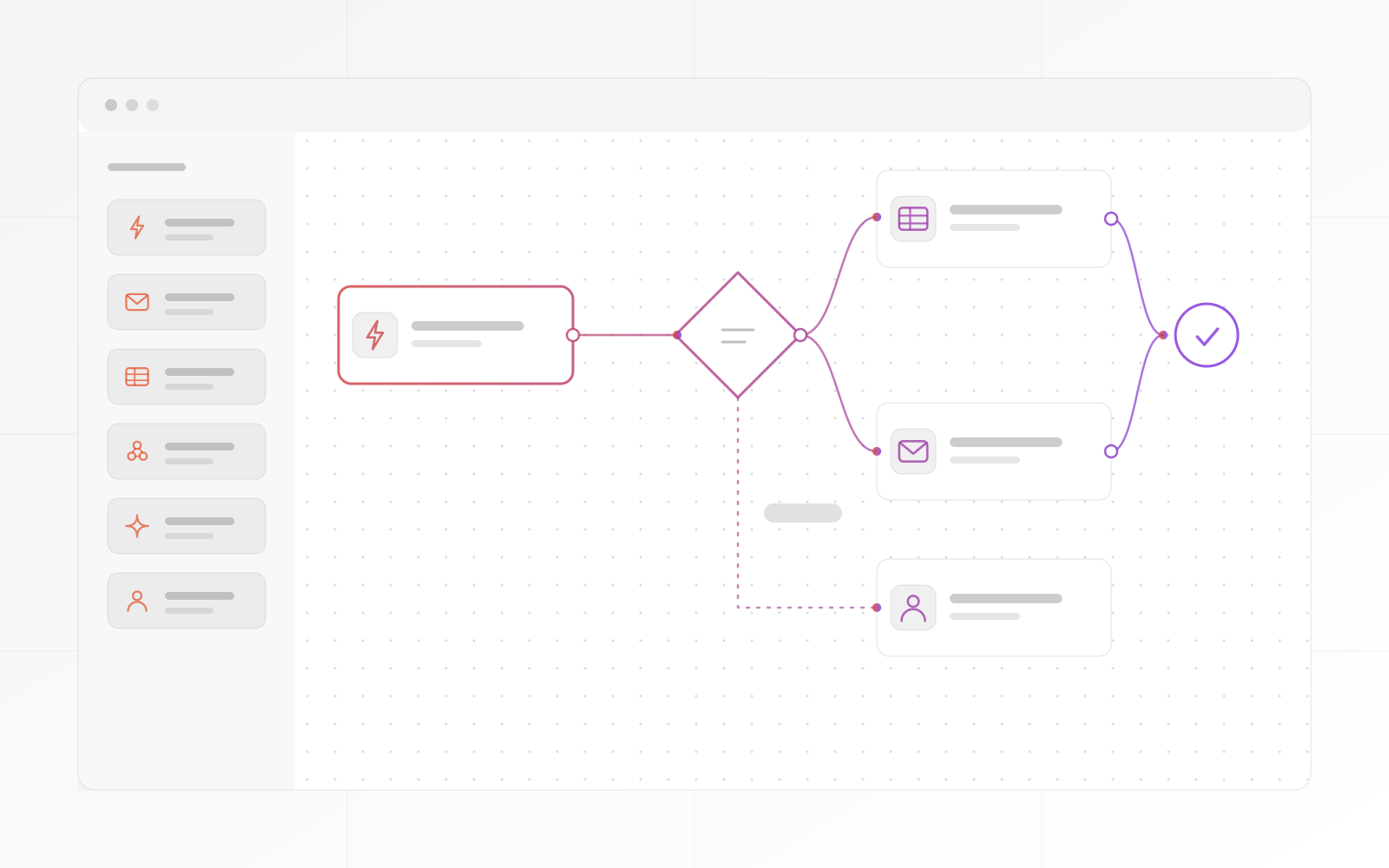
Flow canvas
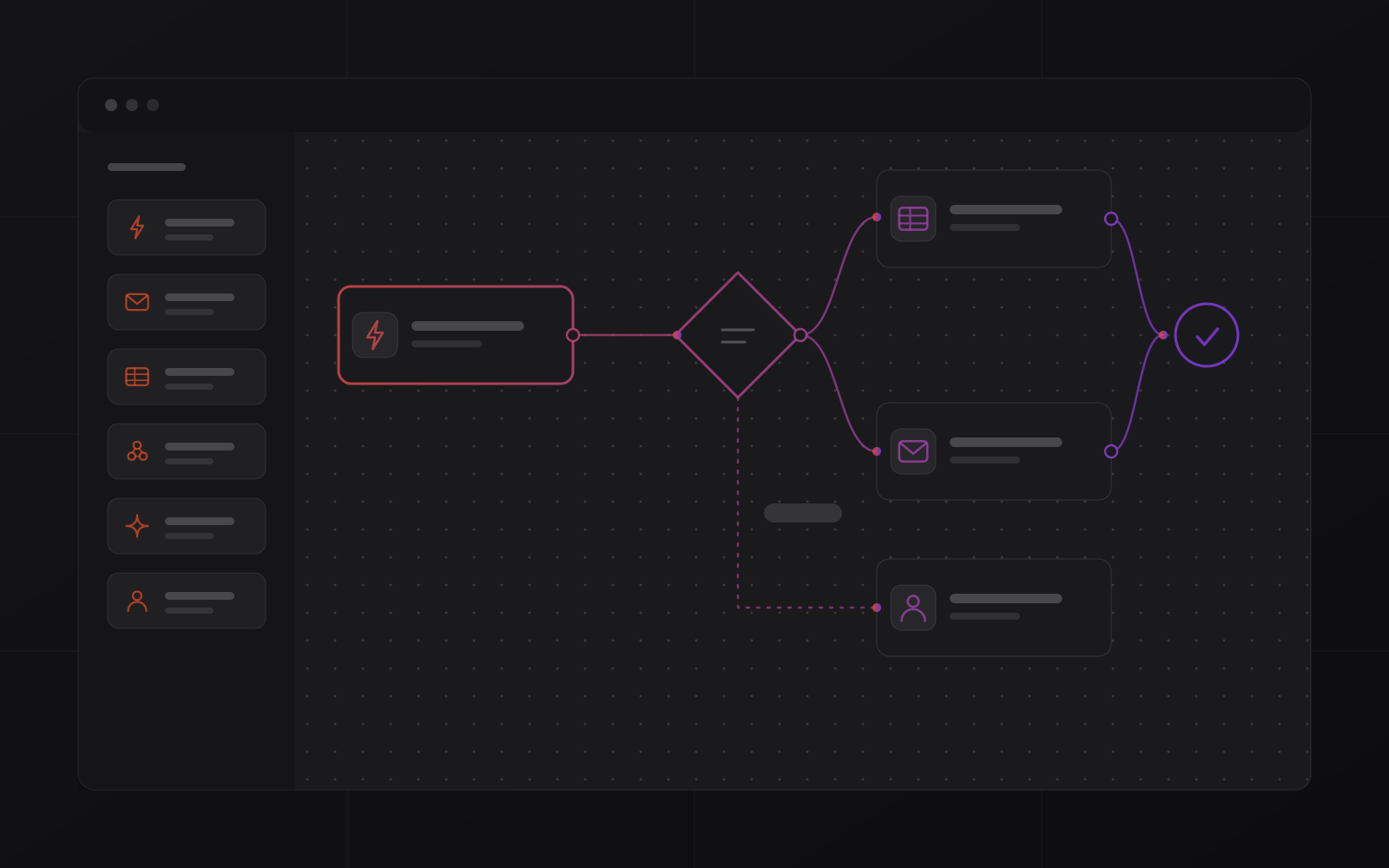
A trigger fires, a branch routes by condition, and an action updates a record or sends an email. We build the flow with you, and it runs in production from the moment it is saved.
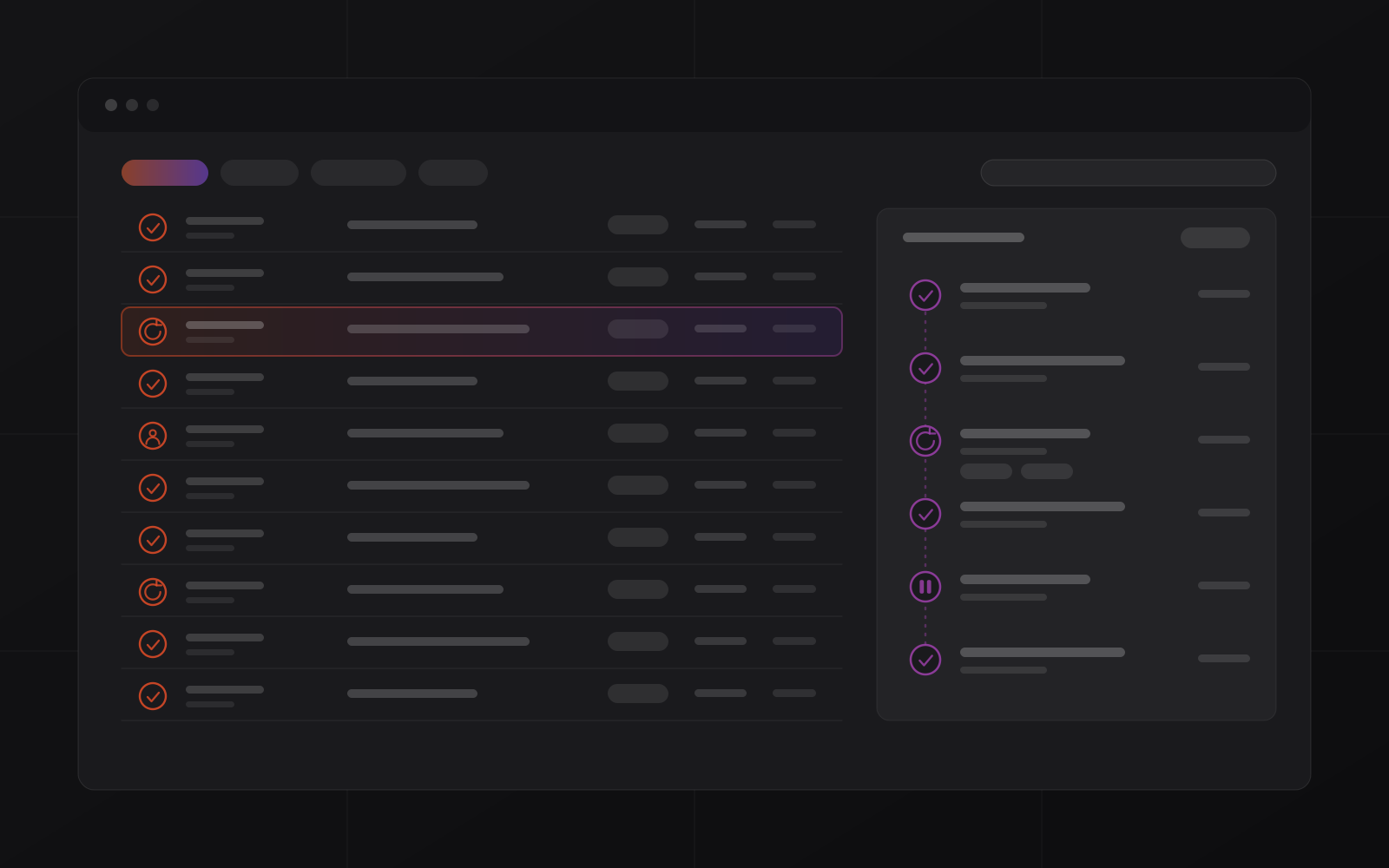
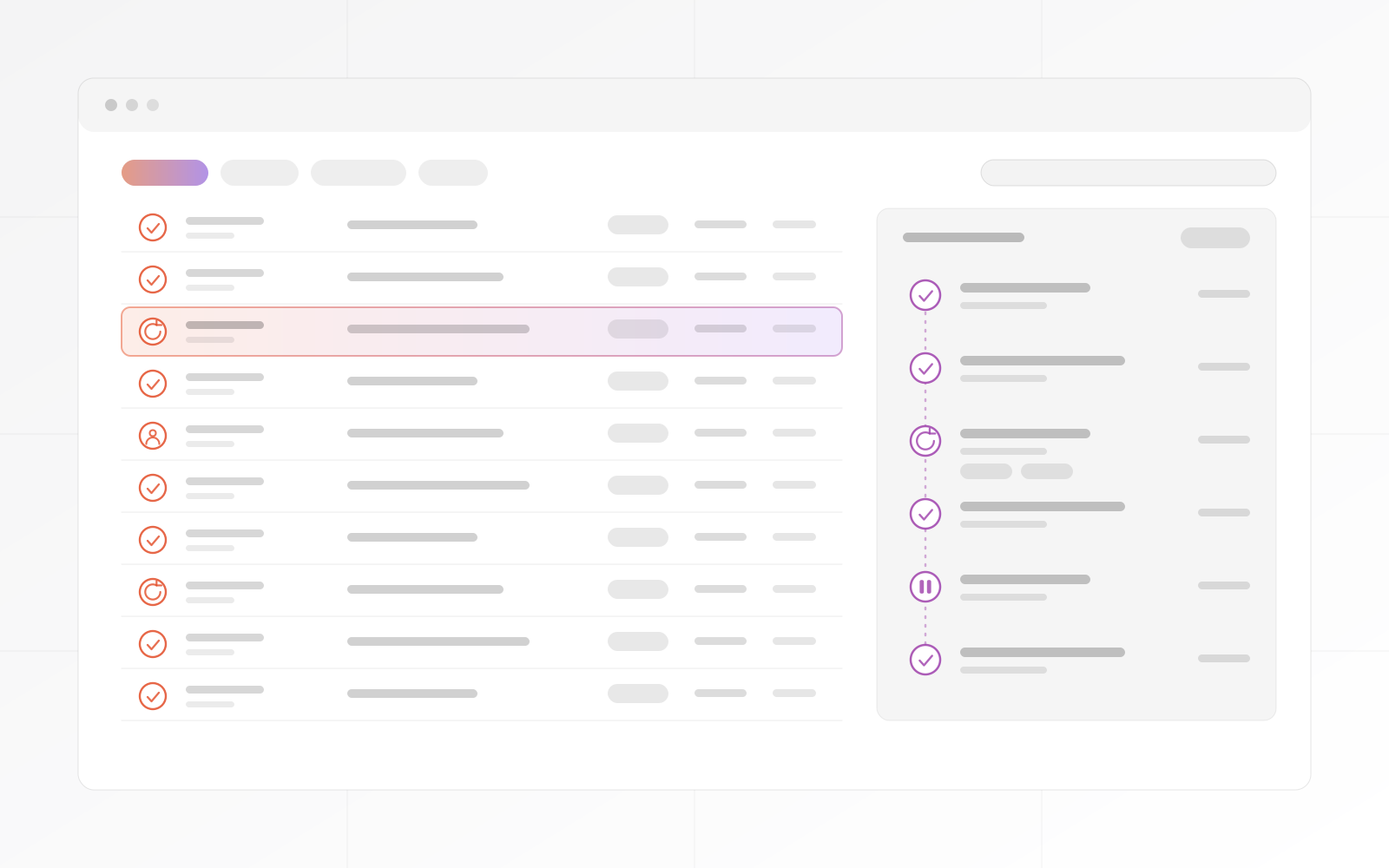
Run log
Every run is timestamped and logged. Transient errors retry with backoff, and repeated failures alert you. High-value decisions wait for a person first.
Process
A short, focused engagement that delivers working automation, not a requirements document.
Audit the manual work that repeats and find the three flows with the best return.
The first automations go live early, as real running flows and not demos.
CRM, ERP, email and calendar are connected, so data moves cleanly.
Where AI helps, it routes, drafts or scores, and a person checks the high-stakes cases.
The run log is live and alerts are set, so you see every run and retry.
Workflows keep running outside office hours.
After the discovery call.
Listed on our clients page.
Compare
What changes when automation is built for production and not assembled from templates.
| What matters | MrZaKaRiA automation | Hosted no-code tools | Manual work |
|---|---|---|---|
| Where it runs | Your own instance or servers | The vendor's cloud | Inboxes and spreadsheets |
| How it is billed | One project quote, then optional monthly operations | Usually per task or per operation | Staff time |
| Failed runs | Retry with backoff, then alert a person | Varies by tool and plan | Found when someone notices |
| ERP and CRM connections | Native for the systems we build, plus any API | Connectors or API calls | Copy and paste |
| Human approval step | Built in, at thresholds you set | Varies by tool | Always human |
What clients say.
Words from clients, as they wrote them:
"MrZaKaRiA programming services are exceptional. They’ve helped us develop robust ERP solution that have streamlined our operations. Their team is knowledgeable, efficient, and a pleasure to work with."
"As a startup, we needed a reliable partner for our online presence. The web design, programming, and hosting services we received were outstanding. MrZaKaRiA played a crucial role in our success. We couldn’t be happier!"

FAQ
What operations leaders ask before automating.
Lead routing, follow-up emails, CRM and ERP data entry, reports, document workflows, notifications and scheduled jobs.
CRMs, ERPs, web forms, email, WhatsApp, payment providers, spreadsheets and anything with an API or webhooks, including the systems MrZaKaRiA builds.
Where it earns its place: drafting replies, classifying requests, extracting data from documents and powering internal assistants, with human checkpoints.
Every workflow ships with logging and a dashboard that shows what ran, what failed and what it saved.
Failures retry where it is safe and alert a person when they persist. Nothing fails silently.
Scope decides. Custom automation projects start at $10,000, scoped up front with a fixed price and milestones. We scope it, quote it and start within 3 to 5 business days.
Map
A short working session that ends with a ranked list of what to automate first, and what each flow is worth in hours.