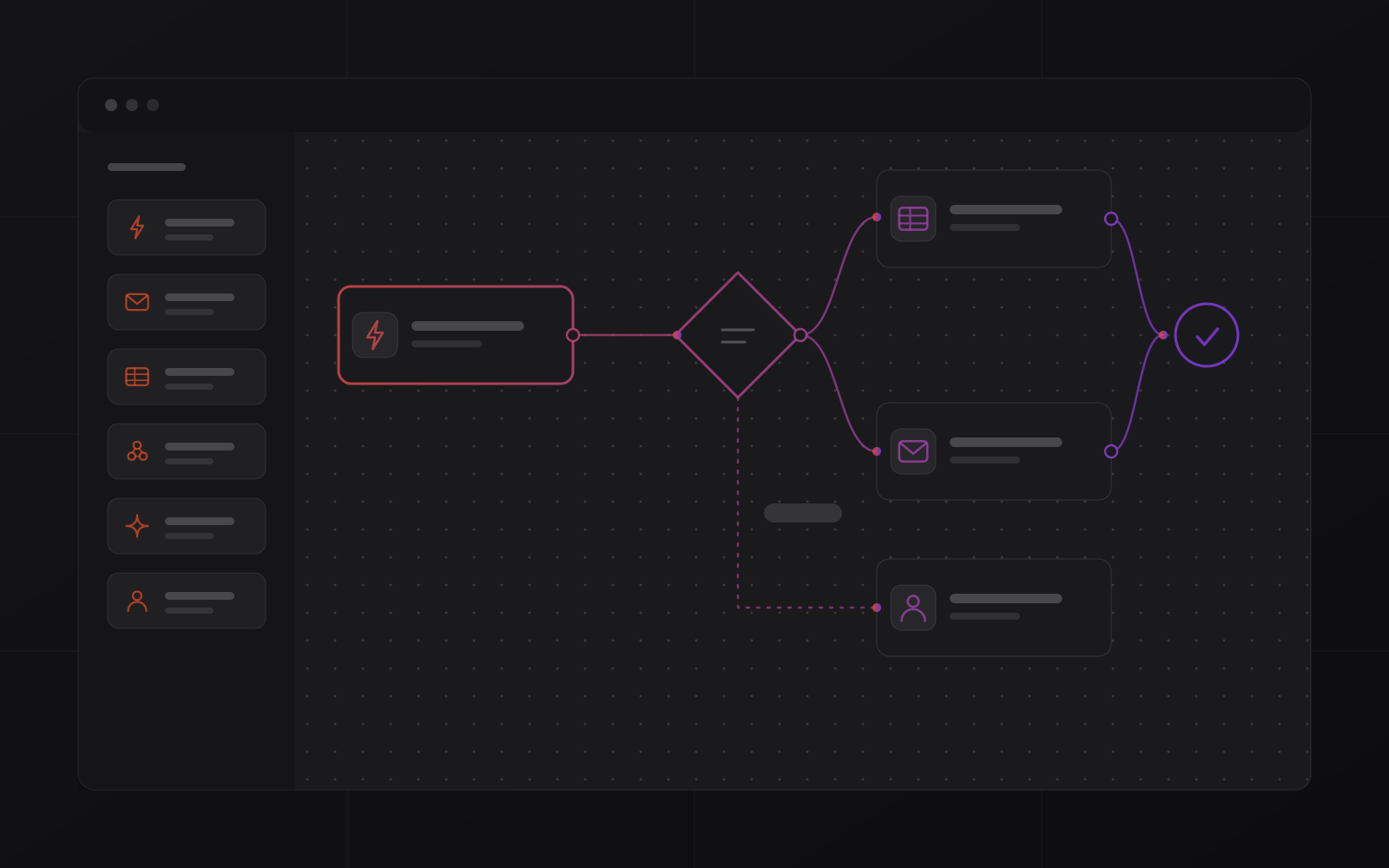
Flow builder
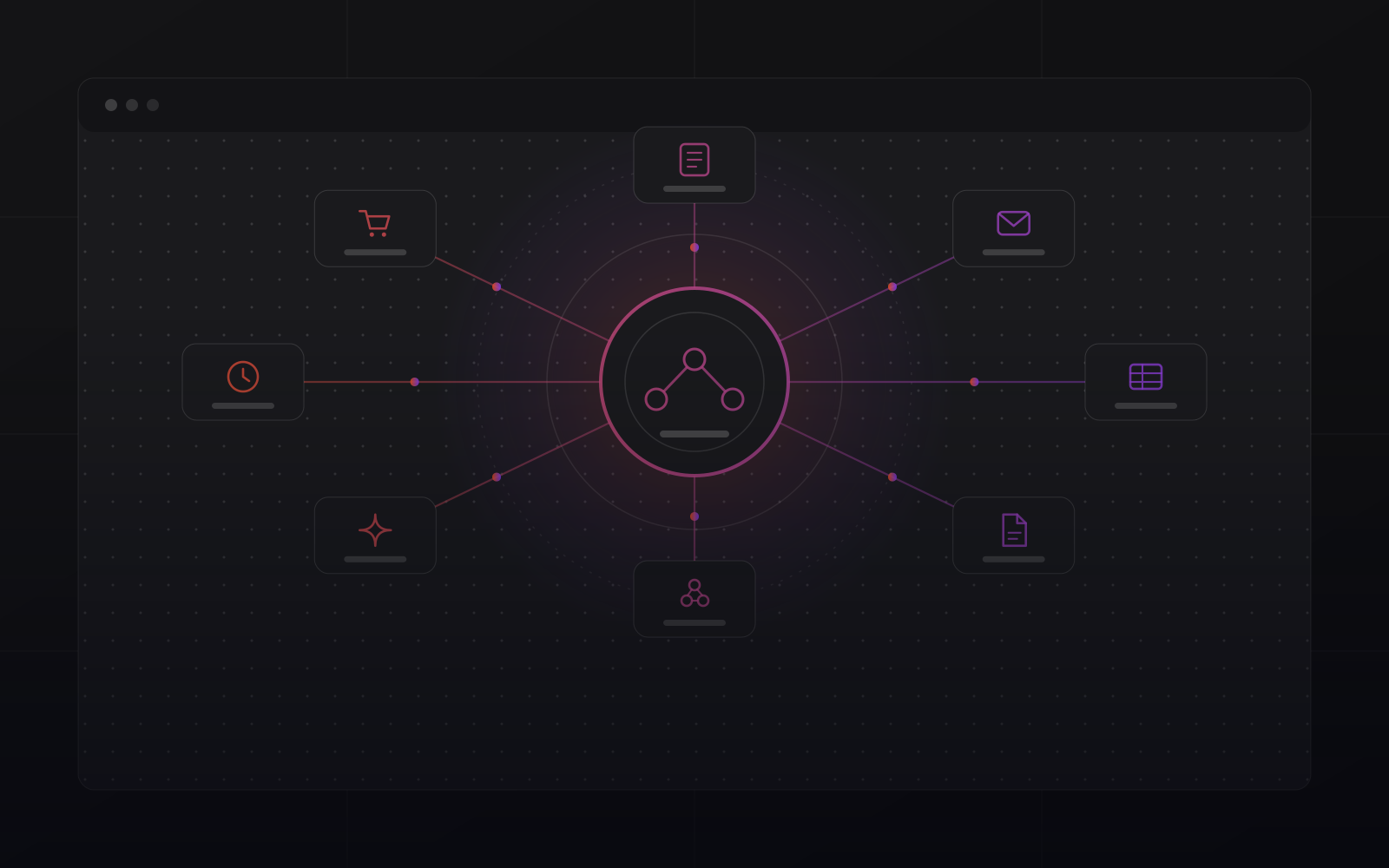
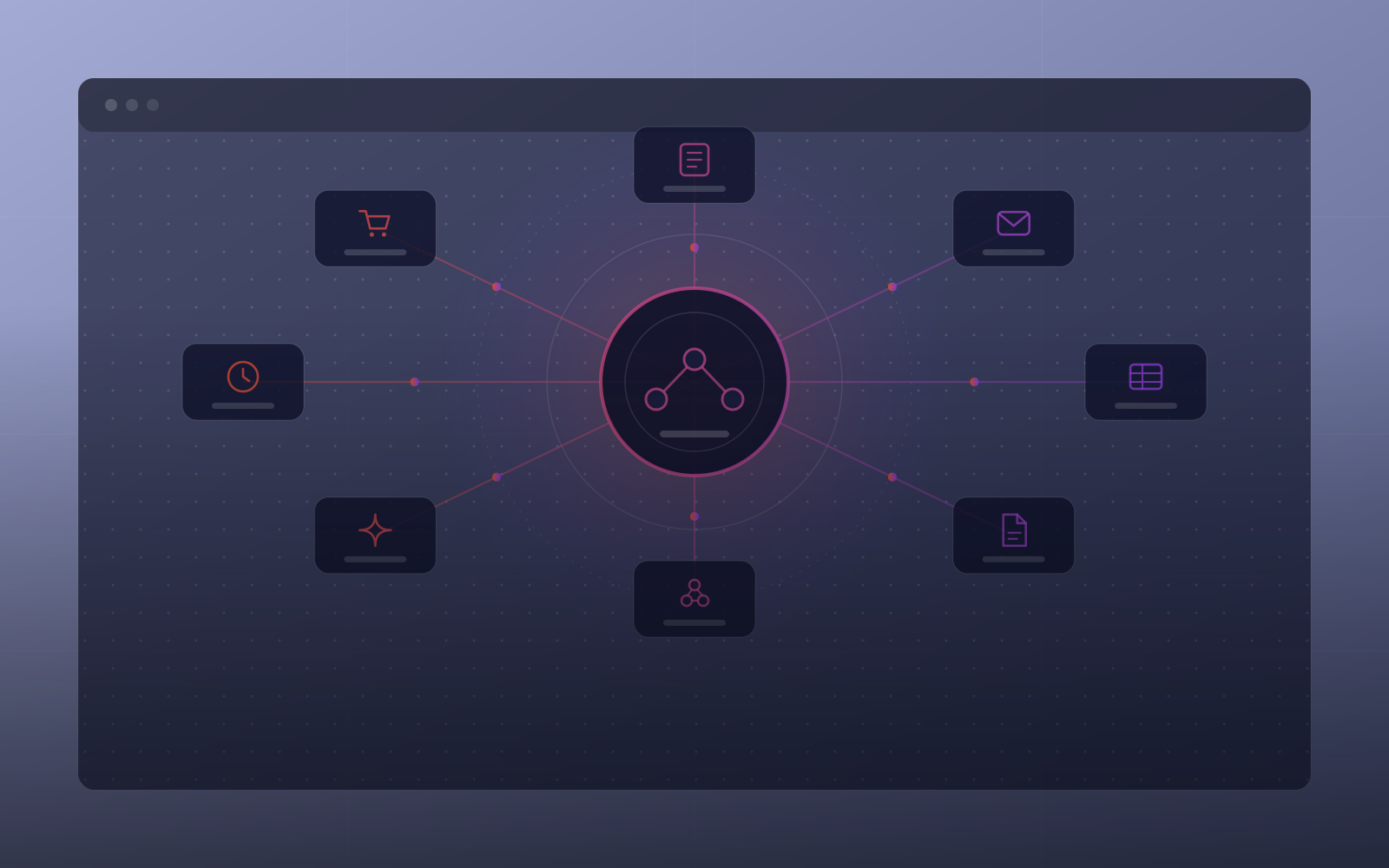
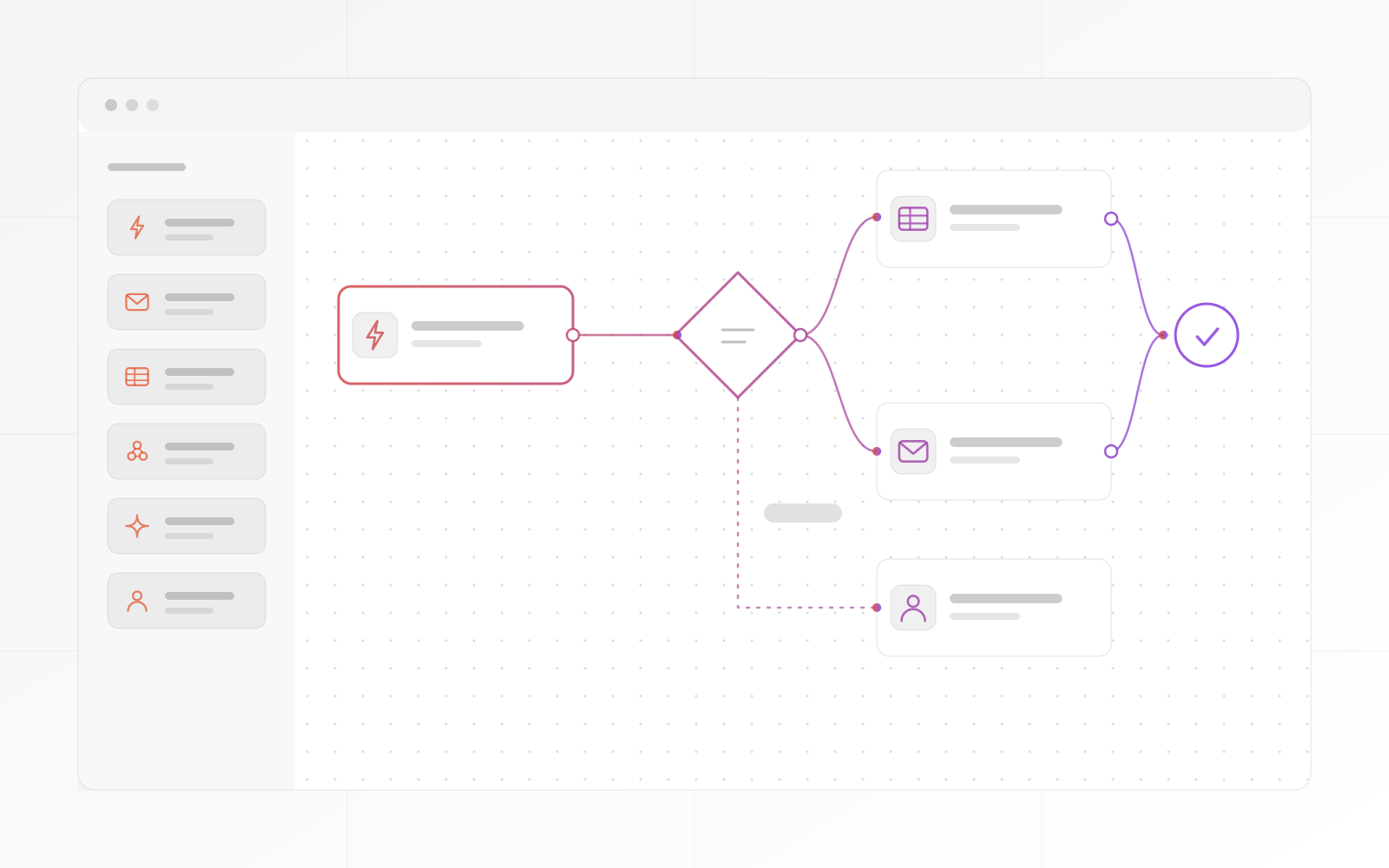
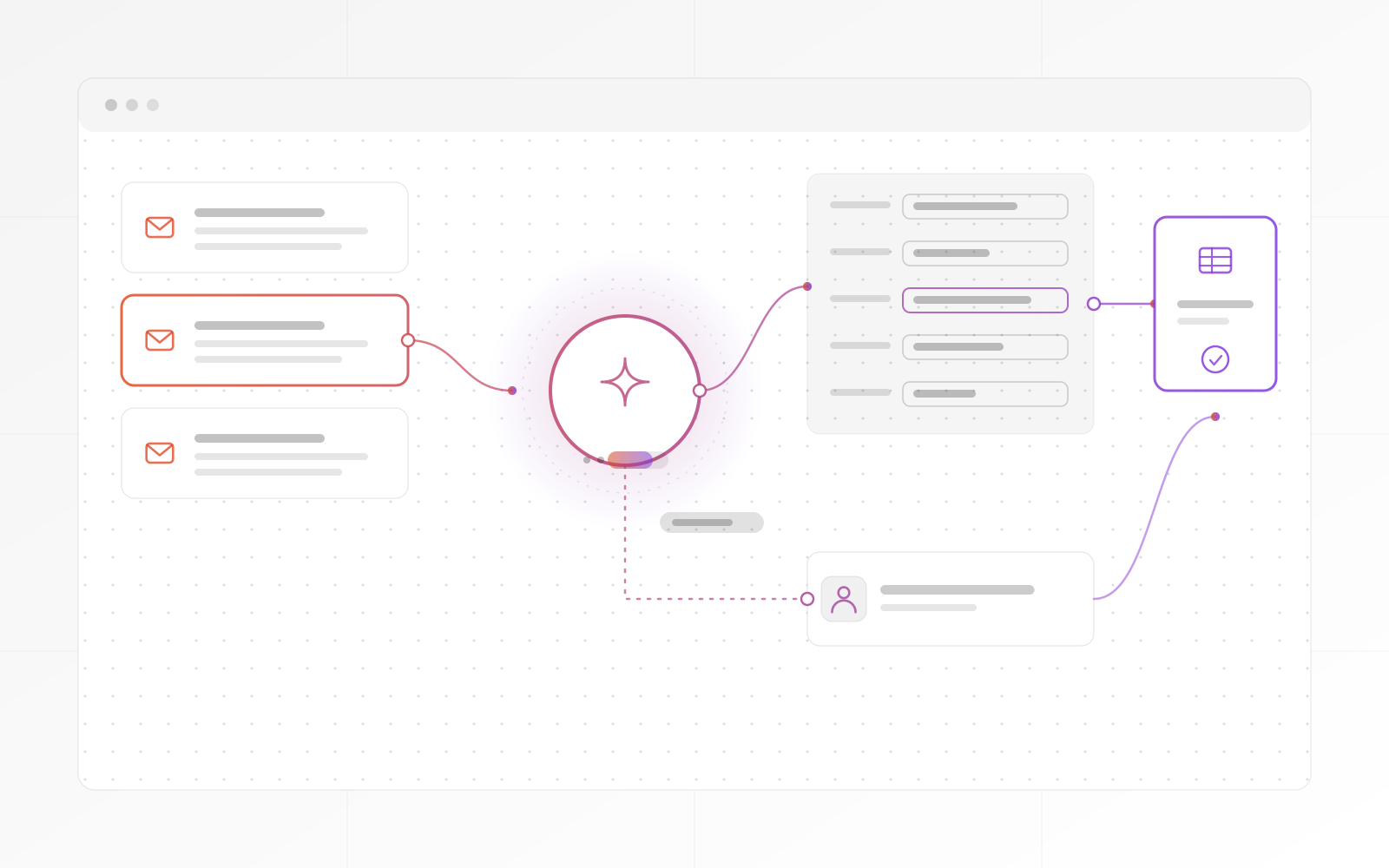
A visual canvas for triggers, conditions, actions and branches.
0
Business Automation
Workflow automation services that connect your apps, forms, CRM, ERP, email, webhooks and AI tools into monitored workflows. Business Automation is deployed as your own instance, customised and secured by us, with a run log that shows every step.
Every workflow run is logged, with its status, duration and result.
Failed steps retry automatically. Persistent failures escalate to a person and never drop silently.
Approve, reject or redirect from any workflow. Automation runs the routine and people handle the exceptions.
What Business Automation solves
Business Automation is for teams that have hit the ceiling of manual process: email routing, CRM updates, ERP events and form submissions that need workflows to run reliably and stop cleanly when something unexpected happens.
The difference
Hosted tools such as Make.com and Zapier suit simple automations, and they bill by task or operation. Business Automation is built for production use: your own instance, a full run log, automatic retries and escalation you configure.
Every execution, step and result is logged. Human checkpoints stop a flow and wait for a decision. Read how we approach business process automation, or add AI with our AI services.
Module overview
A visual canvas for triggers, conditions, actions and branches.
Every execution logged with step status, duration and result.
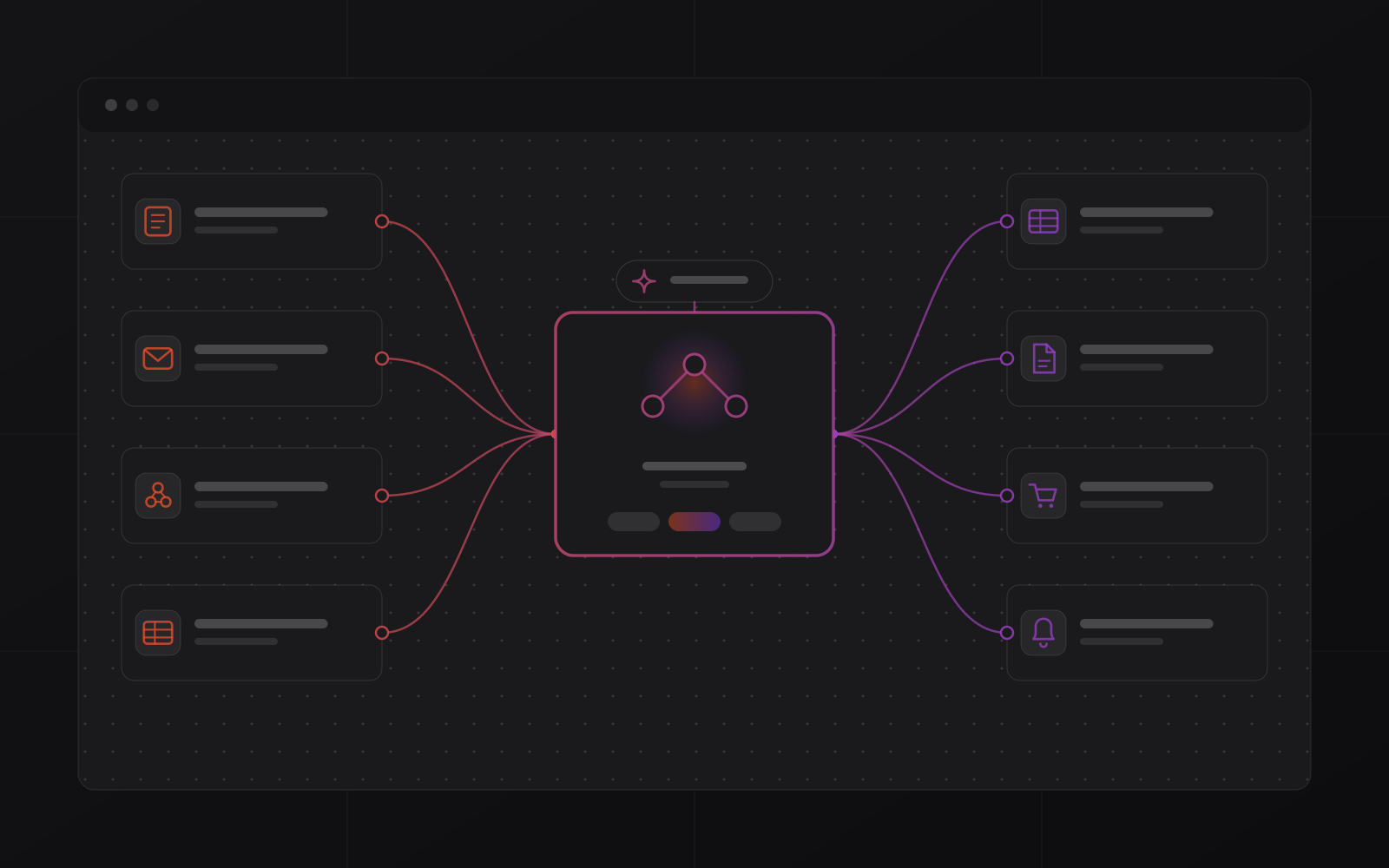
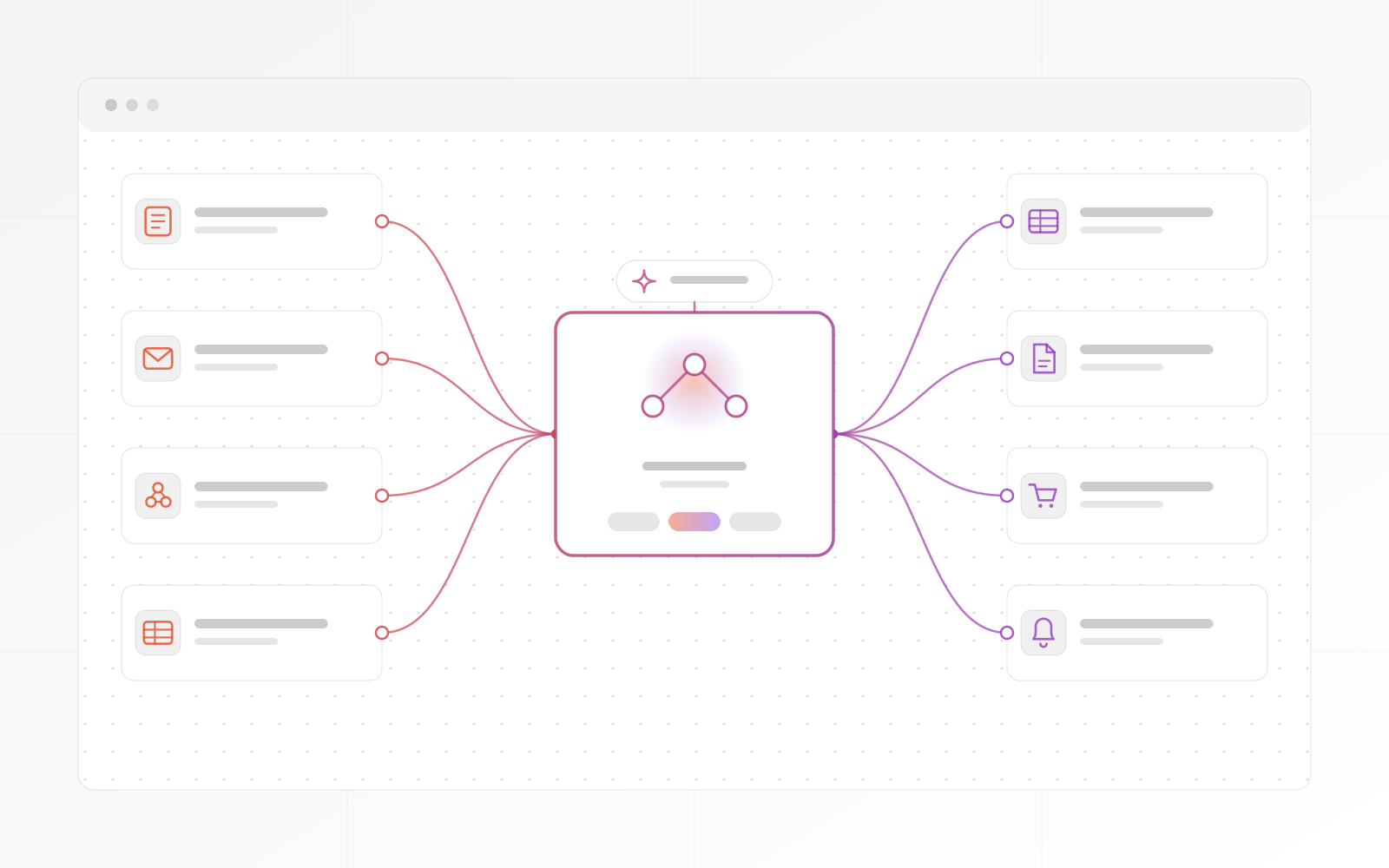
Forms, CRM, ERP, email, spreadsheets, webhooks and AI models.
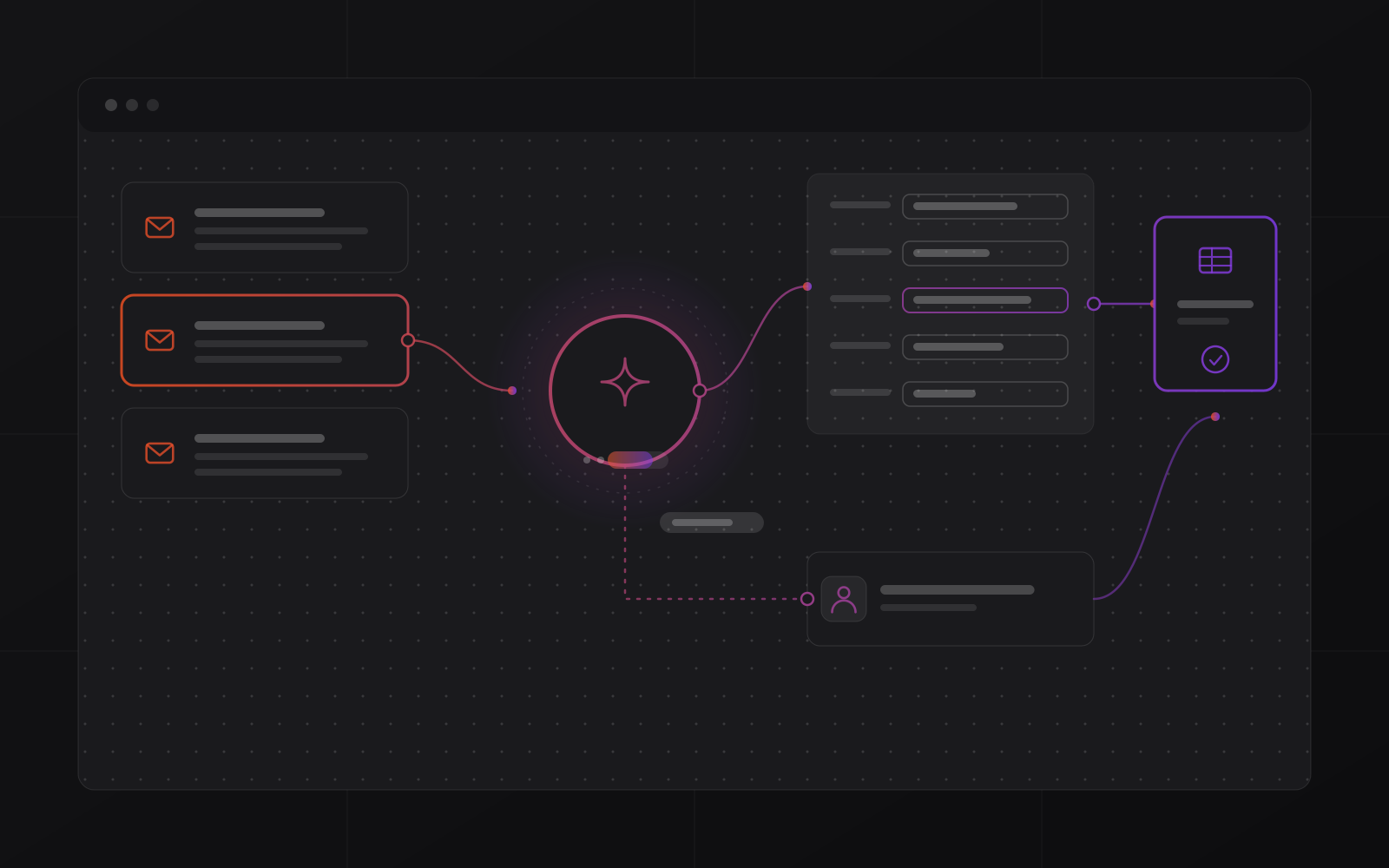
Route, classify, draft and update with AI wired into your flows.
Pause a flow for approval or redirection and resume on a decision.
Escalate failures and anomalies to the right person.
Services
Included as standard.
Your agreed automations are built, tested and running before handover.
Forms, CRM, ERP, email and any tool with an API are wired in at deployment.
Failure escalation, retry counts and human checkpoint paths are configured.
Your team sees every workflow run from day one.
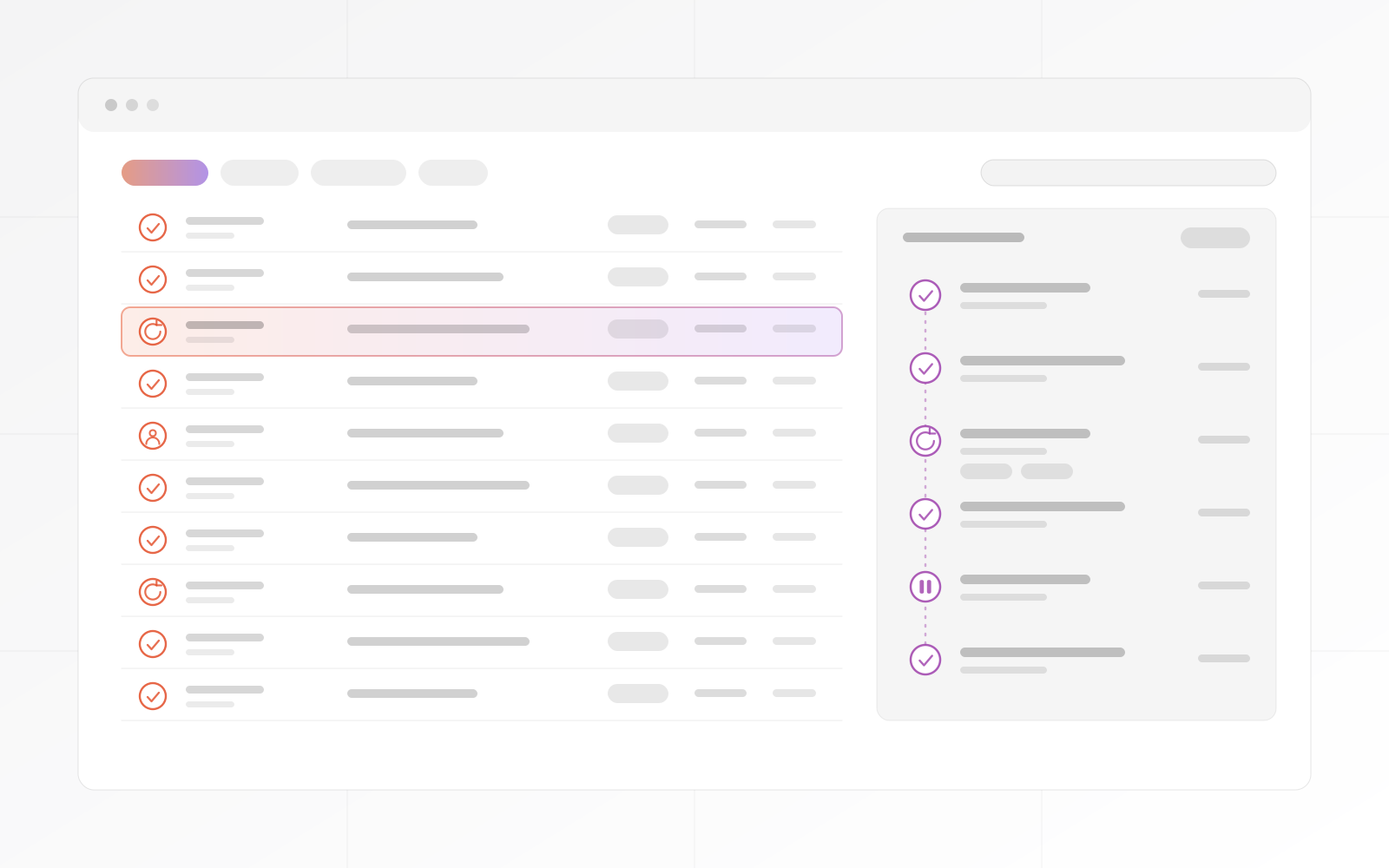
The run log
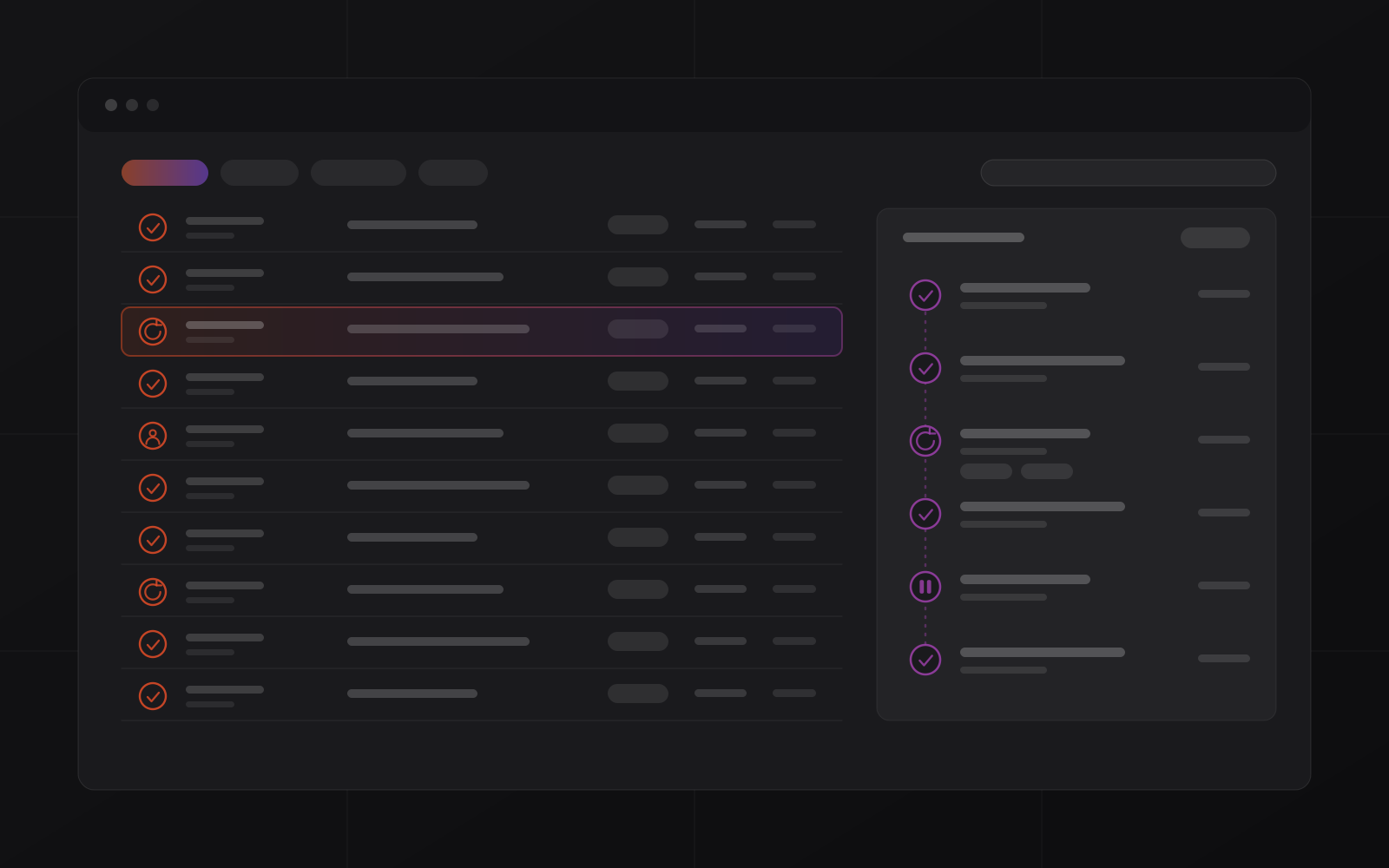
The run log shows each workflow execution with its step-by-step status, duration, input and output. A failed run restarts from the point of failure, so no data is lost.
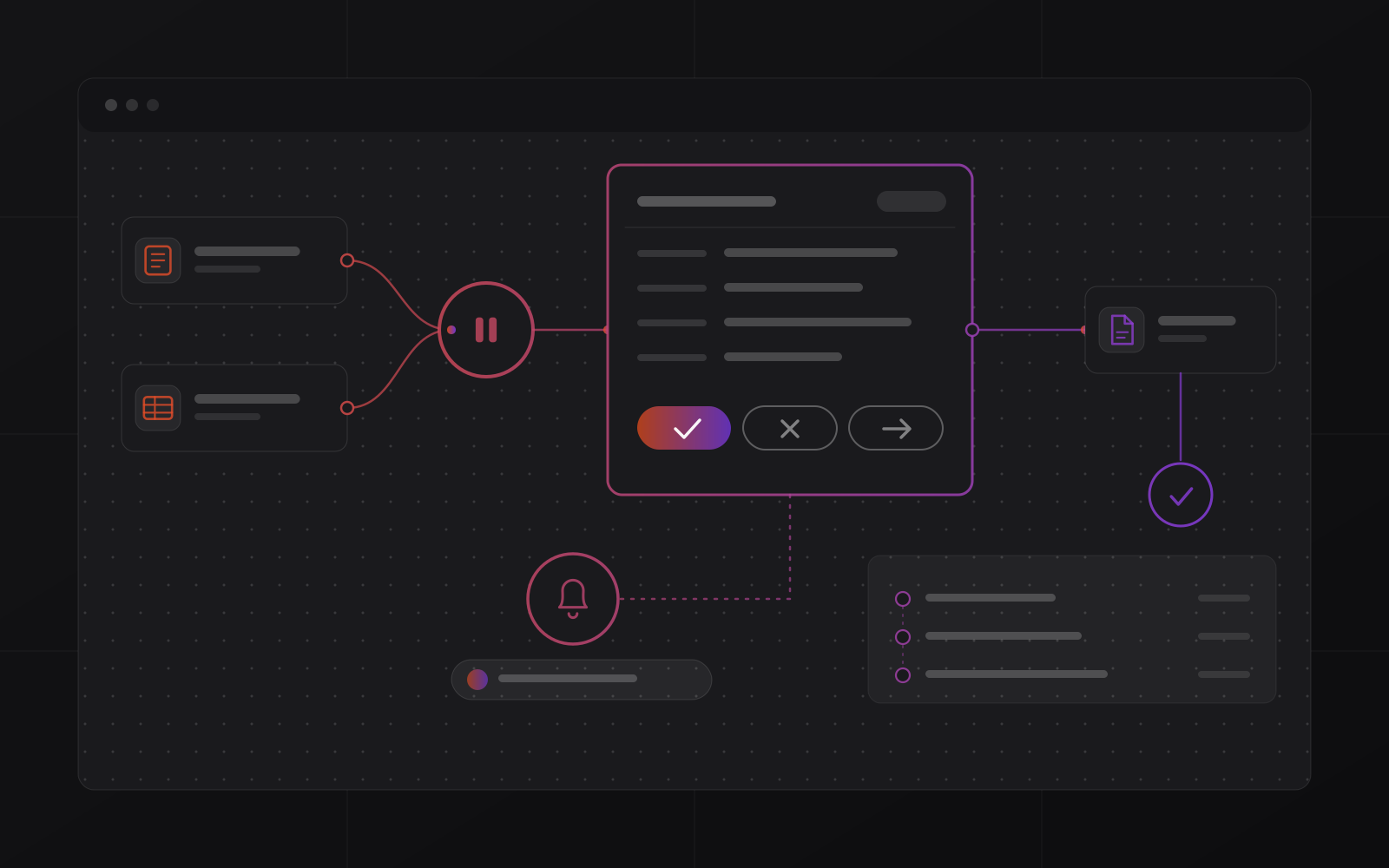
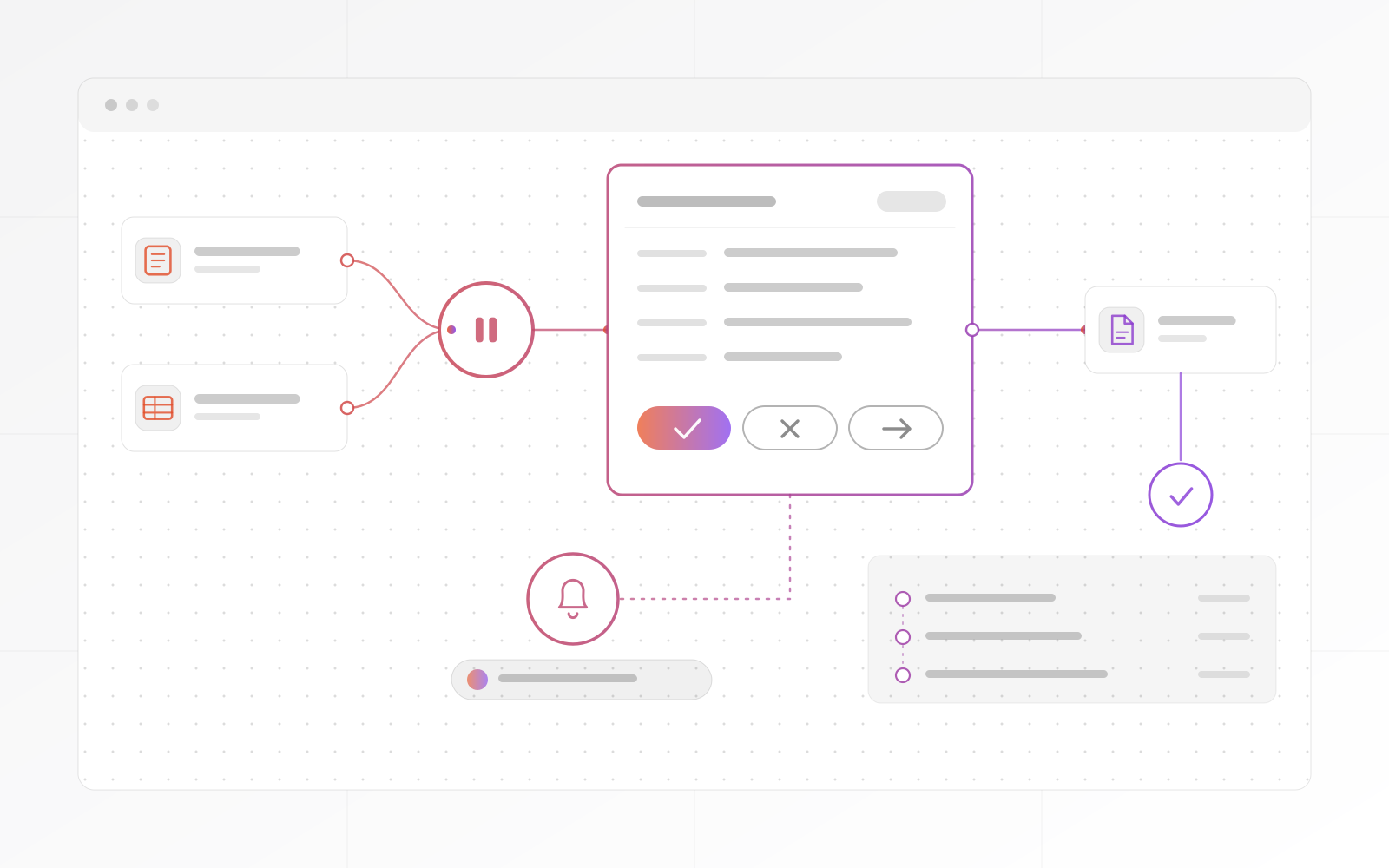
Human checkpoints
A flow can stop at an approval card, alert the right person and wait. They approve, reject or redirect, and the flow resumes with the decision logged.
Process
The deployment playbook, from manual process to observable flows.
One session covers manual processes, your app stack, integration points and the best candidates to automate.
Priority flows are mapped: triggers, conditions, actions, human checkpoints and failure paths.
Flows are built, tested against real data and adjusted before go-live.
Flows go active, and your team learns the run log and alert settings.
Hosting, platform updates and support, while you watch the business outcomes.
Compare
Where the workflows run, how they are billed and who sees what.
| What matters | Business Automation | Hosted tools (Make, Zapier) | Custom development |
|---|---|---|---|
| Where it runs | Your own instance | The vendor's cloud | Your servers or ours |
| How it is billed | Project quote, then optional monthly operations | Usually per task or per operation | Developer time |
| Run log with step trace | Every run and step | Execution history; depth varies by plan | Only if someone builds it |
| Human checkpoint in a flow | Built in: approve, reject or redirect | Varies by tool | Only if someone builds it |
| Who builds the first flows | We do, during deployment | You do | A developer |
from clients.
Words from clients, as they wrote them:
"MrZaKaRiA programming services are exceptional. They’ve helped us develop robust ERP solution that have streamlined our operations. Their team is knowledgeable, efficient, and a pleasure to work with."
"As a startup, we needed a reliable partner for our online presence. The web design, programming, and hosting services we received were outstanding. MrZaKaRiA played a crucial role in our success. We couldn’t be happier!"

FAQ
What operations leaders ask before a demo.
A proven workflow-automation foundation, deployed as your own instance. MrZaKaRiA customises and secures it, and has the operations discipline to run it in production.
Web forms, email, CRM, ERP, payment tools, spreadsheets, webhooks and anything with an API, including AI models for drafting, classification and routing.
Failed steps retry automatically, and you set the retry count. Persistent failures escalate to a named person with the full step trace attached. Every failure is visible in the run log.
Hosted tools suit simple, low-volume automations and bill by task or operation. Business Automation is for production use: your own isolated instance, a full run log, retries, escalation, human checkpoints and no usage-based billing.
No. Flows are built on a visual canvas. MrZaKaRiA builds the first flows during deployment, and your team manages and monitors them from the run log. Developer access is available for custom integrations.
Custom automation projects start at $10,000, scoped up front with a fixed price and milestones. The quote covers the deployment, the first flows and optional hosting. We scope it, quote it and start within 3 to 5 business days.
Next step
Book a call and bring one process that wastes your team's time. We will map it, quote it and show how the run log would track it.