Self-hosted business tools on a private VPS
Deploy your own CRM, ERP, file storage and team apps on a private VPS. Full data ownership, no per-seat fees, no vendor lock-in.
Read this guide →
0

Managed cloud hosting for business: VPS and cloud servers, domains, SSL, professional email, off-site backups and secure remote access, all run by one team. You pay infrastructure at cost plus one flat monthly management fee. There are no per-seat charges.
Cloud hosting and infrastructure from MrZaKaRiA covers everything between your domain name and your data. We provision the VPS or cloud server, point DNS, issue SSL certificates and set up branded email. We then deploy your site or app, monitor it and back it up off-site.
Most teams do not want to run servers. They want a site that stays up, email that arrives and a recovery plan that works. We run the stack for a flat monthly management fee. Costs such as the VPS, the domain and the mailboxes are billed at cost, so the monthly figure is known before work starts.
Need only one layer? Our pages on managed business hosting, Linux server setup and management and cloud setup and migration cover each piece on its own. This page is the full stack, from domain to disaster recovery.
Infrastructure is billed at cost. No per-seat fees and no surprise overages.
Three copies, on two media, with one off-site. Restores are tested on a schedule.
Tunnelled remote access opens no inbound port on your router.

Hosting comes in two plans. Website hosting runs a marketing site, a blog or a store front. Web app hosting runs an application with its own database, queues and background jobs.
Both plans are managed. We handle updates, security patches and performance tuning end to end, so your team can focus on the business. Current plan details are in your client account: log in and check plans.



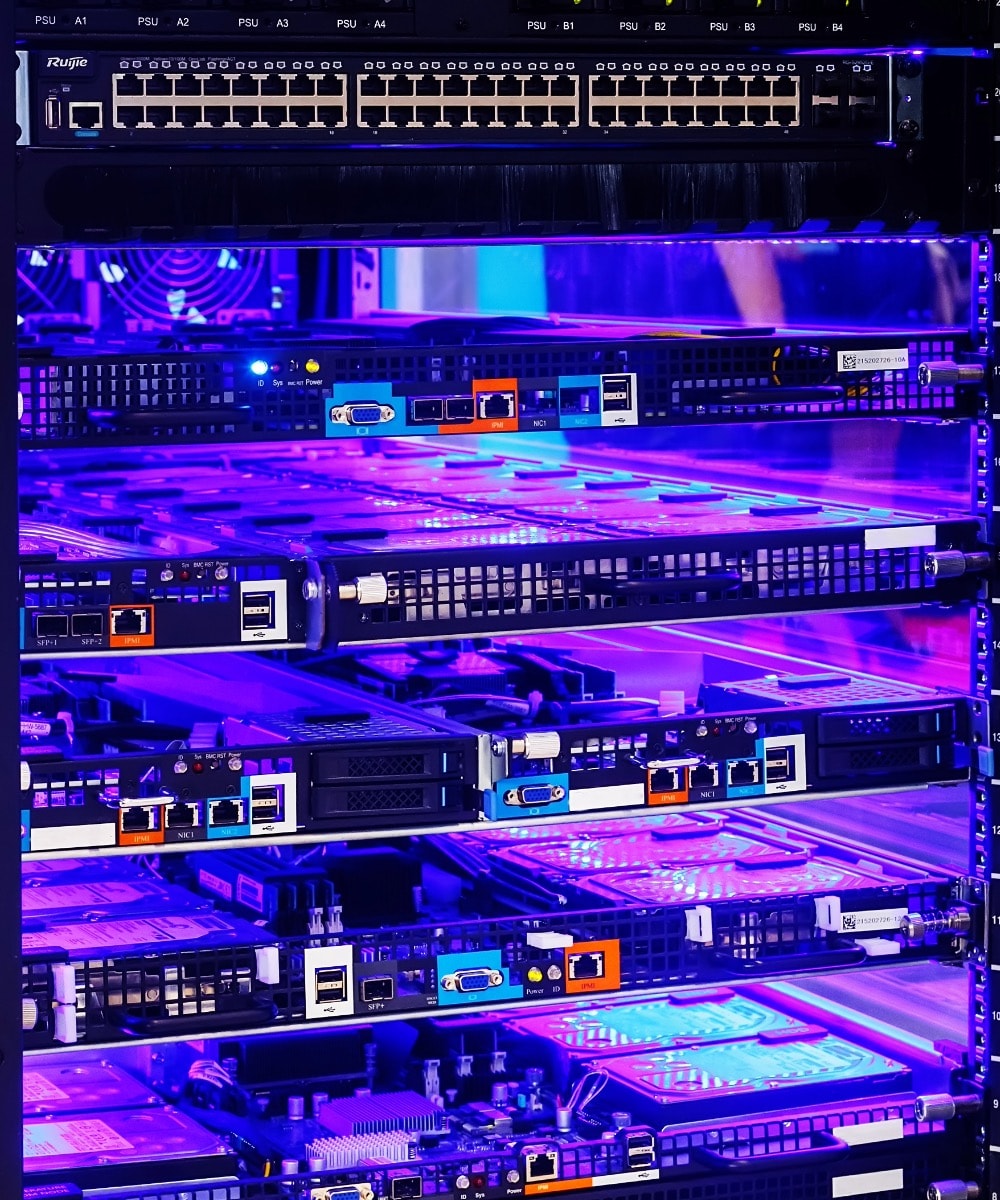

Some businesses need hardware on site. We build local infrastructure servers and back them up. A complete setup includes firewall protection, VPN access and a dedicated mail server.
Backup servers keep your data recoverable after a failed disk, a deleted folder or a lost site. The firewall and VPN add a layer between your network and the internet. They also give staff secure remote access. To avoid opening router ports at all, read our guide to remote access without a static IP.
Ready to see plans? Login and check plans, or book a call and we will scope it with you.
Deep dives
Each guide explains one part of the infrastructure stack, written for the people who make the decision and live with the result.
Deploy your own CRM, ERP, file storage and team apps on a private VPS. Full data ownership, no per-seat fees, no vendor lock-in.
Read this guide →Reach office servers, NAS and home labs from anywhere using Cloudflare Tunnels. No static IP, no port forwarding, no exposed ports.
Read this guide →3-2-1 backups, off-site replication, ransomware-resistant snapshots and tested recovery for business-critical systems.
Read this guide →Register a domain, configure SPF, DKIM and DMARC, set up branded mailboxes and ship email that lands in the inbox, not the spam folder.
Read this guide →FAQ
What businesses ask before they hand us their hosting.
Domain registration, DNS, SSL, professional email, VPS or cloud server provisioning, deployment pipelines, monitoring, off-site backups and the day-to-day operations that keep it running. The service is sized to the business, from one static site to a multi-tenant application stack. The goal is the same: your team works on the product, not the host.
Either works. Most projects run in parallel for a short cut-over window. We provision the new infrastructure, stage and validate the migration, then move traffic with a DNS change. You do not need to tear down what you have before the replacement is verified.
Infrastructure costs such as the VPS, cloud server, domain and email are billed at cost. The managed-service part is a flat monthly figure scoped to the size and complexity of your stack. There are no per-seat fees and no surprise overages, so you know the monthly run cost before the work starts.
Incident response is part of the service for every business-critical system. Monitoring raises the alert and the on-call playbook starts the right runbook. Recovery follows the documented disaster-recovery plan: the local snapshot first, the off-site copy if the local one is gone, a full rebuild if the host is gone. We agree recovery objectives (RTO and RPO) per system up front, not during the incident.
Those pages each cover one layer: business hosting, Linux server setup and cloud migration. This page covers the whole stack as one managed service, from the domain and email to backups and remote access. If you only need one layer, start with the page that matches it.
Yes. Use the Login and check plans link on this page to open the client area. For anything beyond the standard plans, such as local servers, a firewall, a VPN or a dedicated mail server, book a call and we will scope it with you.